
Caption Suggestion - Feel free to make it your own!
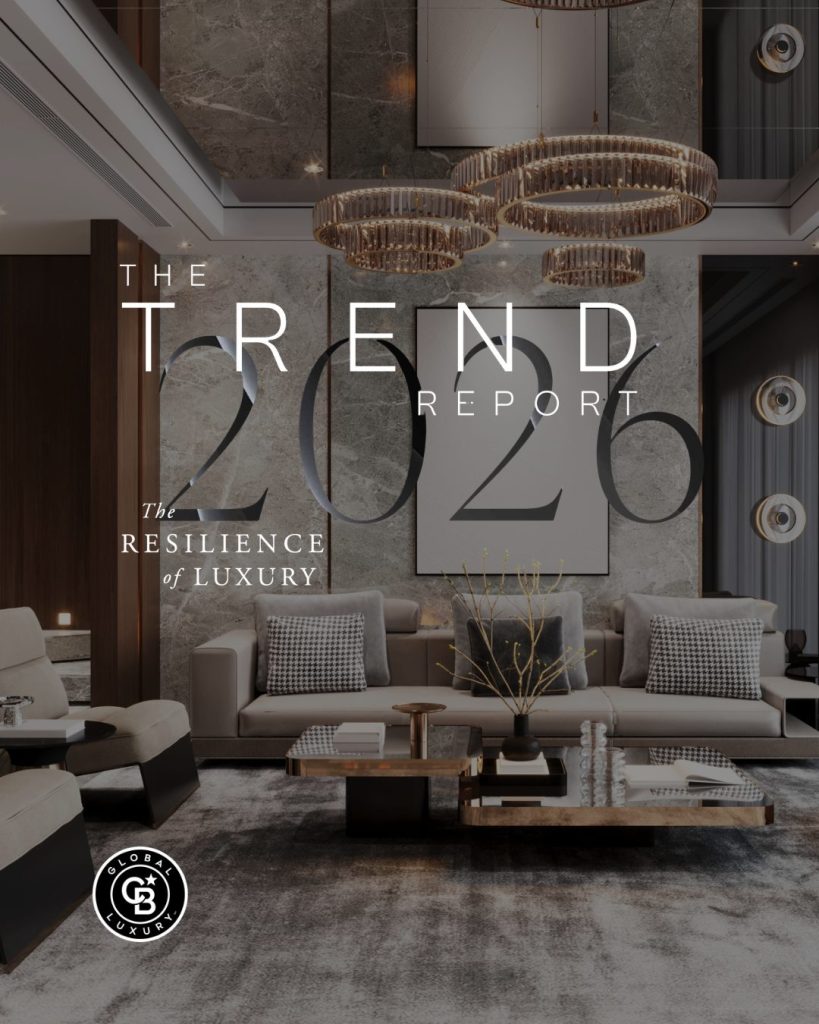
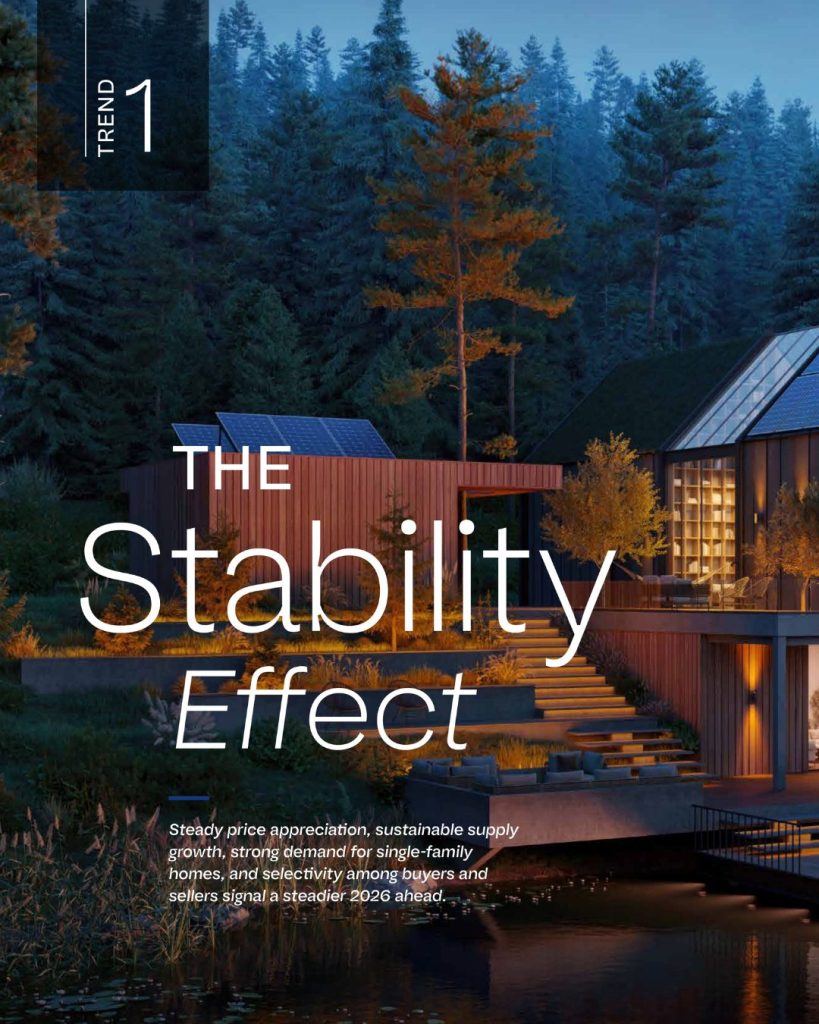
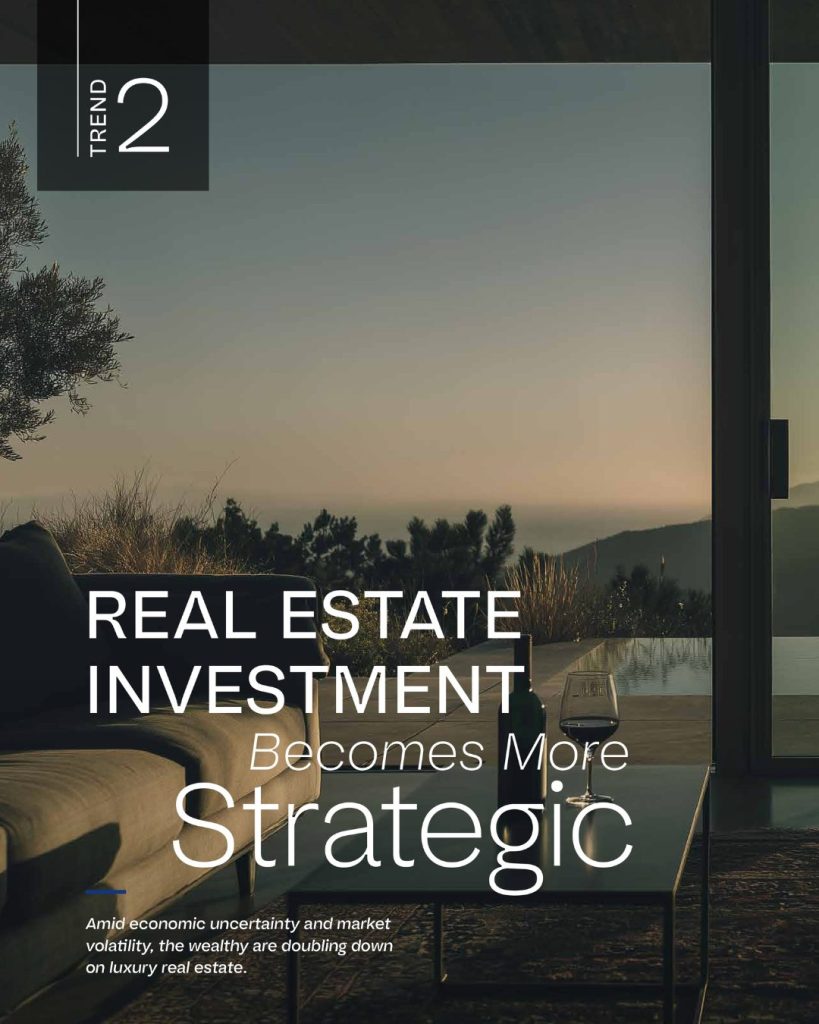
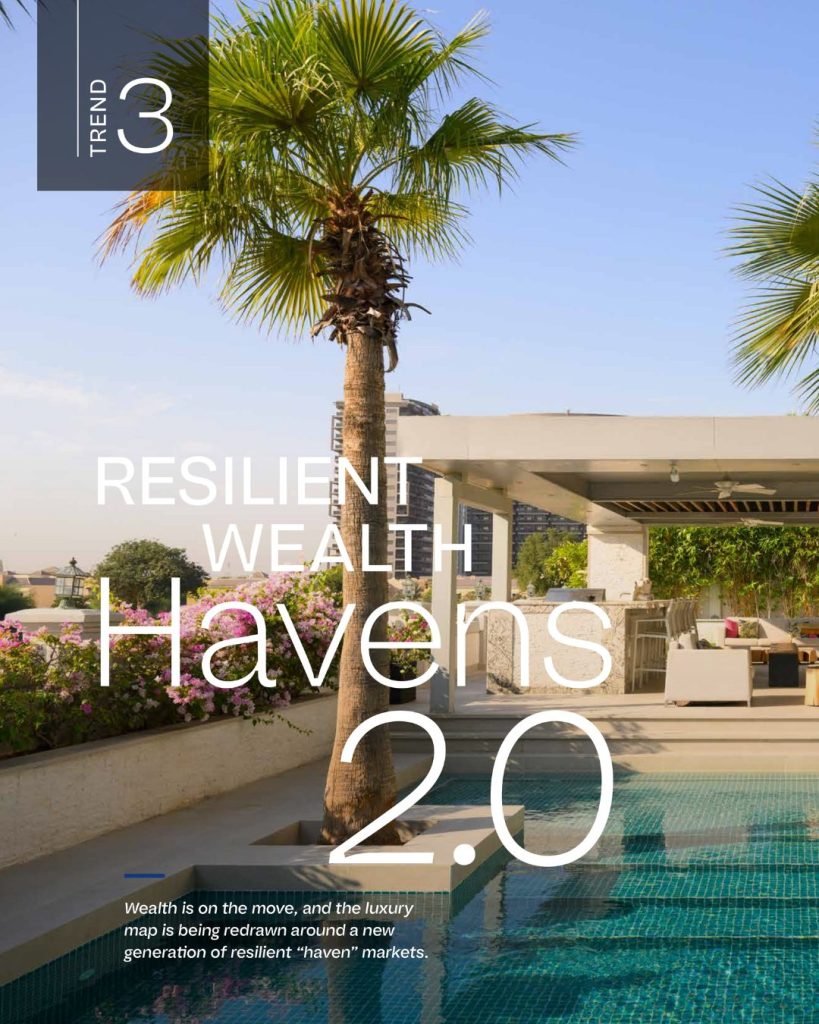
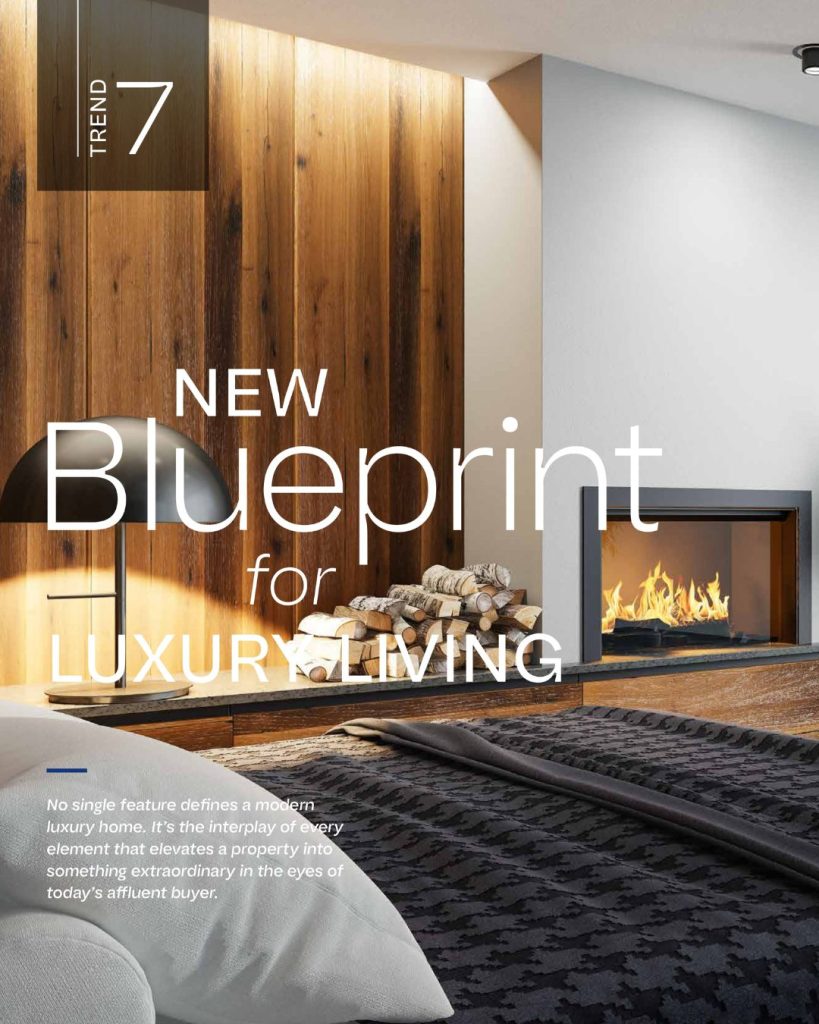
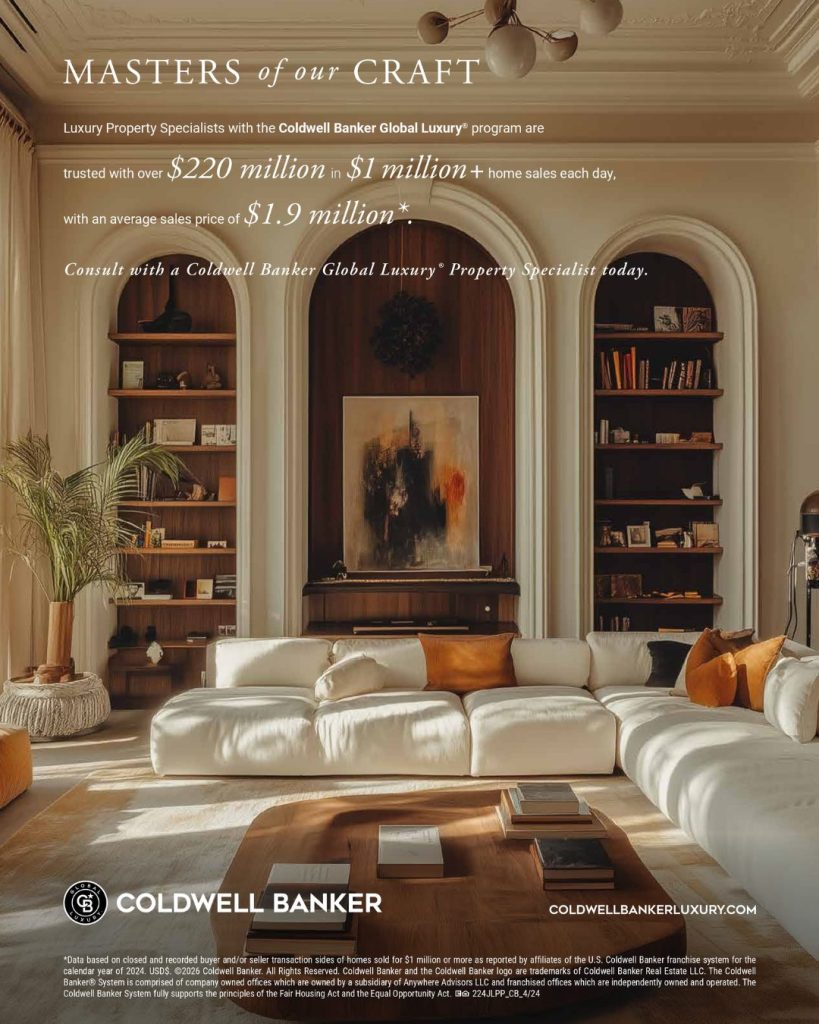
Luxury real estate doesn’t follow headlines — it follows fundamentals. Drawing on insights from the Institute for Luxury Home Marketing, Altrata, McKinsey & Company, and JamesEdition, this year’s report reveals how wealth, lifestyle, and property are evolving at the highest levels.
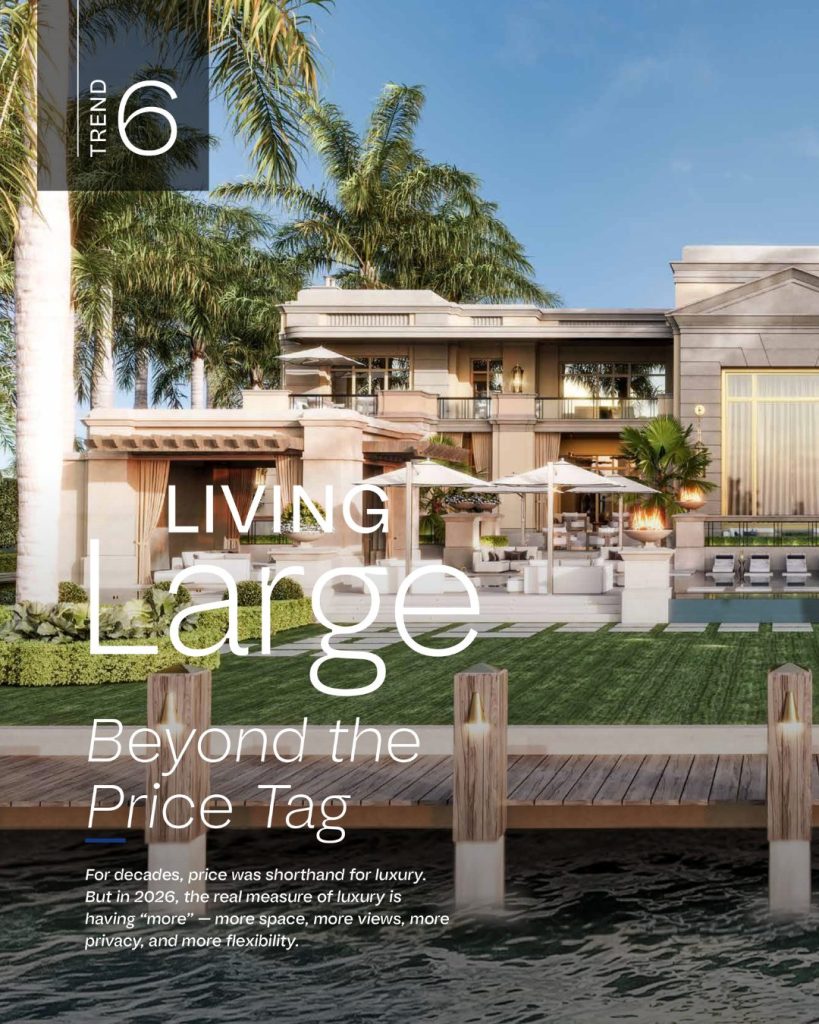
In 2026, resilience leads. While broader markets weigh uncertainty, the luxury sector continues to show long-term strength — fueled by capital preservation, lifestyle priorities, and generational wealth transfer.
From emerging global hubs to legacy-driven ownership and “nest investing,” high-net-worth buyers are making strategic, future-focused decisions centered on quality, privacy, design, and livability.
Explore what’s next. Download The Trend Report 2026 at coldwellbankerluxury.com.

Dear Agents,
February’s marketing theme, Get Found Online with AEO, Google, and AI Content, focuses on how search
is changing and what you can do to make sure clients can find you as AI-powered search becomes more
common.
Today, people aren’t just typing searches into Google. They’re asking AI tools real questions and often
getting one clear answer. This shift is called Answer Engine Optimization (AEO), and it directly impacts
how new clients discover agents.
Key areas of focus this month:
· Google Business Profile: Claim it, complete it, and keep it updated. This is the foundation of local
visibility.
· Reviews: Ask for reviews that naturally mention what you helped with and where. Specific and
local reviews build trust.
· Local Content: Share neighborhoods, schools, and local insights using clear, conversational
language.
· Consistency: Make sure your name, contact info, and service areas match everywhere you show
up online.
Attend Our Featured Workshops:
From Search to Answers: SEO to AEO
Feb. 10 at 3 p.m. ET / 12 p.m. PT
Feb. 25 at 2 p.m. ET / 11 a.m. PT
Register at CBRMarketingWorkshops.com
Is your online presence working for you?
· 1:1 Marketing Support: Schedule time with me to review your online presence and see how
you’re showing up today.
· Book a Next Available Appointment: Schedule Get Found Online with AEO, Google, and AI Content
to strengthen your Google Business Profile and local visibility using AI.
Small, consistent updates can make a big difference over time. Let’s make sure your online presence is
positioned to help clients find you in today’s search landscape.
Caption Suggestion - Feel free to make it your own!
Buying a home can feel overwhelming, but having the right person in your corner makes all the difference!
Yes, it's challenging. But building long-term wealth and leverage through real estate is still worth it. Whether you're 1 year out or 5 years out, having a plan changes everything.
If you're thinking about buying a home let's talk through your options and create a strategy that actually fits your life.
How a Senior‑Focused Real Estate Team Can Build a High‑Impact Website Using MoxieWorks
As Baby Boomers continue to drive a significant portion of real estate activity, more agents are specializing in senior transitions, downsizing, and multigenerational decision‑making. During a recent strategy session with a group of SRES‑certified agents, we explored how they could create a team‑branded senior living real estate website that stands out, delivers real value, and integrates seamlessly with their existing Coldwell Banker MoxieWorks tools.
This blog breaks down that conversation—along with the key steps any senior‑focused real estate team can use to build a powerful, trustworthy online presence.
Why a Senior Living Real Estate Website Matters in 2026
The team’s core goal was clear:
Create a one‑stop online resource for seniors and their adult children navigating major housing decisions.
While each agent already has an individual website, they wanted something different—an independent brand targeting senior clients with:
- Specialized downsizing support
- Help selling long‑time family homes
- Resources for aging‑in‑place decisions
- Connections to attorneys, movers, estate planners, and other senior‑support vendors
- Content tailored to Baby Boomers and their families
In other words, a centralized consumer resource, not just another real estate website.
And in a market where trust matters more than ever, this approach positions them as a reliable guide during one of the most emotional transaction types in real estate.
Building a Senior Team Website on MoxieWorks
The team is leveraging Coldwell Banker’s MoxieWorks platform, even though each agent technically only gets one Moxie website. Their plan:
Turn one of those sites into a team‑oriented, senior‑specialized brand hub.
Key Customizations We Discussed
1. Replace Individual Branding With Team Branding
To ensure a unified look and message, we walked through:
- Updating headers to reflect the team’s senior‑focused mission
- Removing individual agent photos and replacing them with team images
- Uploading a team logo
- Writing a senior‑specific value statement for the homepage
This helps seniors instantly understand the purpose of the site and builds authority around the team’s specialty.
2. Add Team Bios and Individual Agent Links
While the site will be team‑branded, each agent still benefits from visibility.
We mapped out how to include:
- Short bios for each SRES‑certified agent
- Links to each agent’s personal site
- A contact form that routes inquiries appropriately
This keeps the site unified while still respecting each agent’s personal business.
3. Customize Listings for Senior Real Estate Needs
We explored ways to leverage Moxie’s listing tools to support senior‑focused searches, including:
- Featuring 55+ communities
- Highlighting downsizing‑friendly properties
- Creating custom property lists
- Curating resources that reduce “hard selling” upfront
One limitation: Moxie requires at least one featured listing.
We planned to choose a relevant property that fits the senior demographic.
When to Bring in Design Concierge or Third‑Party Solutions
Customization on MoxieWorks has limits—especially when building a more robust team site.
That’s where Coldwell Banker’s Design Concierge can step in.
Option 1: Try Moxie Customization First
This is the most cost‑effective route and gives the team:
- IDX integration
- Consistent Coldwell Banker branding
- Built‑in SEO structure
- Shared editing access
Option 2: Use Design Concierge for More Custom Features
Design Concierge may be able to:
- Build custom senior‑focused pages
- Improve layout beyond what the standard editor allows
- Create a more professional look without leaving the Moxie ecosystem
Option 3: Explore Third‑Party Website Platforms
If Moxie + Design Concierge cannot meet the group’s needs, the next step is evaluating third‑party sites like:
- Real Geeks
- Sierra Interactive
- Luxury Presence
- Placester
- Agent Image
But this comes with:
- Additional IDX fees
- More involved setup
- More maintenance responsibility
For most senior‑focused teams, Moxie + Design Concierge is the best blend of cost, simplicity, and customization.
Action Plan: What the Team Will Do Next
To move the project forward, the following steps were outlined:
1. Begin MoxieWorks Customization
- Add team photos and logo
- Update content to emphasize senior services
- Build a senior‑centered homepage experience
2. Prepare Branding Assets
- Team bio content
- Headshots or group photos
- Blog topics for senior transitions, downsizing, inheritance sales
3. Explore Design Concierge
- Determine whether more advanced customizations are needed
- Review design timelines and deliverables
4. Research Third‑Party Websites Only If Necessary
- Compare IDX options and senior‑friendly layout capabilities
Final Thoughts: A Senior‑Focused Website Is a Strategic Advantage
SRES‑certified agents are uniquely equipped to guide seniors and their families through emotionally complex and logistically challenging moves. A thoughtfully built website—especially one that consolidates resources, expertise, and team identity—becomes more than a marketing tool.
It becomes a trust signal.
With the right approach, the team can create a digital hub that:
- Educates
- Supports
- Builds confidence
- Strengthens referrals
- Reinforces their mission
And ultimately, helps seniors and their families make some of the most important decisions of their lives.
What’s Working on Social Media Right Now (2026 Edition)
A modern, research-backed guide for real estate agents and local service pros
Instagram: Clarity, Searchability & Story-Driven Visuals Win
1. Lead with Clear, Uncluttered First Frames
Instagram users decide in under a second whether to stop scrolling. Posts with clean, recognizable visuals outperform overly stylized or cluttered shots, because attention is now a scarce resource in what experts call the “attention crunch.”
2. Search-Optimized Content Is Becoming Mandatory
Instagram is fast becoming a search engine. Nearly half of U.S. consumers use social platforms for search, and Gen Z often chooses Instagram over Google.
This means:
- Use natural keywords in captions and on-screen text.
- Make posts that answer specific questions (“Best neighborhoods for X in 2026”).
- Optimize for saves and shares — signals heavily weighted in Instagram search.
Technical Tip: Use Authentic, Lightly Edited Video
Short-form video continues to dominate, but the winning trend is authentic, unpolished clips, not polished studio visuals. Audiences are rewarding content that feels human rather than AI-generated.
Use basic editing tools (no need for overproduced transitions) and pair them with a strong hook in the first 3 seconds.
Facebook: Video Still Outperforms — But Purpose Matters
1. Video Earns More Attention and Higher CTR
Across multiple studies, video ads and posts consistently outperform static imagery in engagement and click-through rate.
- Videos generate higher CTR (often 18–32% higher than static).
- Users overwhelmingly prefer learning through short videos (~69%). [scopicstudios.com]
2. Static Images Still Work — If Curated Well
Static images are effective in bottom-of-funnel or retargeting situations. Choose only the very best photos if video isn’t available, because clarity and simplicity improve retention.
Technical Tip: Cross-Platform Video Saves Time
Since video is winning across Meta platforms, record once and distribute everywhere. Meta’s AI-driven optimization continues improving placement performance, making cross-posting more efficient than ever.
LinkedIn: Competence, Results & Conversation Drive Reach
1. Value-Driven, Professional Content Wins — Not Lifestyle
LinkedIn prioritizes meaningful conversation, expert insight, and original perspective.
The algorithm rewards:
- Saves
- Comments
- Shares
…more than likes or lifestyle content.
Results-oriented posts (wins, case studies, proof-based insights) continue to outperform soft, personal updates.
2. Video Is Rapidly Growing on LinkedIn
Video views grew 36% YoY, driven by LinkedIn’s rollout of short-form video features and CapCut integration.
Short, educational video snippets (<2 minutes) are a standout performer and help position agents as trusted advisors.
Technical Tip: Don’t Misread “Low Engagement”
Many posts perform well without generating high visible engagement. If link clicks, impressions, and watch time are strong, the content is still achieving its purpose. LinkedIn’s algorithm heavily weighs dwell time, not like counts.
Platform‑Agnostic Trends Agents Must Not Ignore
1. Short-Form Video Is Still the Default
Whether Instagram, Facebook, LinkedIn, TikTok, or YouTube Shorts, short-form vertical content is the format each platform is pushing hardest. Agents who produce quick, helpful explainers (neighborhood walk-throughs, “3 things to know,” listing highlights) show stronger visibility.
- Short-form video remains the most effective discovery tool in real estate marketing.
- It’s also now the baseline content format for buyer and seller search behavior.
2. Social Platforms Are Becoming Search Engines
Gen Z and Millennials increasingly search on Instagram and TikTok for local recommendations — including real estate pros.
- Social channels now rival Google in discovery behavior.
- Your captions, on-screen text, and spoken words are indexed and influence discoverability.
3. Authenticity Beats Production Every Time
Audiences prefer content that is real, raw, and less curated.
- Authenticity is now a strategic advantage.
- Even YouTube shows higher performance for authentic, lightly produced content over cinematic, heavily edited pieces.
4. Consistency Compounds Results
Results come from repetition:
Posting regularly with recognizable themes creates visibility and trust, especially in real estate’s high-frequency content environment.
Pitfalls to Avoid (2026)
❌ Relying Only on Photos
Static images alone are no longer enough to sustain reach on most platforms. Video remains essential for discovery and trust-building.
❌ Overproducing Everything
Polished content feels less trustworthy. Over-editing can hurt performance. Users want human-first content.
❌ Posting More Instead of Posting Better
High volume no longer beats high value. Strategy > frequency in the 2026 ecosystem.
Caption Suggestion - Feel free to make it your own!
Wondering what the economy and real estate market have in store for the year ahead?
Get clarity straight from the source. Join internationally acclaimed economist Dr. Elliot Eisenberg, Ph.D. as he breaks down what’s coming and how to plan strategically in the months ahead. This is a must-attend conversation for anyone watching the market closely.
Don’t wait — RSVP today for this highly anticipated event.
🔗 Register at CBEconomicSummit.com

The Review That Almost Broke an Agent — And the Shift That Turned It Around
In real estate, your online presence often speaks long before you do. Reviews, search results, and digital impressions shape credibility in seconds. And during a recent conversation with an agent, I was reminded just how quickly one unfair review can disrupt years of hard-earned trust.
This is the story of how that agent shifted from frustration to strategy—and why every real estate professional should pay attention.
The Unexpected Challenge: A Single Review With Big Impact
The call didn’t start smoothly. As the agent moved between locations, audio kept cutting out. But once the connection stabilized, he shared exactly what was weighing on him:
A negative Google review had surfaced—one he felt didn’t reflect the truth of the situation.
What made it worse?
The reviewer wasn’t just unhappy; he escalated the complaint, even contacting the agent’s manager. The exchange grew heated, pushing boundaries and sparking frustration on both sides.
The agent felt blindsided. His reputation—something he built through years of honest work—was suddenly reduced to a single, public complaint.
The Problem Beneath the Problem: Multiple Platforms, No Control
As we talked, another issue surfaced.
Like many agents, he had unintentionally created a single‑platform reputation.
Most of his positive reviews lived on Google—now overshadowed by this one negative comment.
He wanted to fix it. But the idea of chasing clients across multiple platforms—Google, Realtor.com, Zillow—felt overwhelming.
He wasn’t alone in that feeling. Many agents underestimate how fragmented online review ecosystems are… until something goes wrong.
The Turning Point: From Defensiveness to Direction
As we unpacked the situation, the real solution became clear:
You can’t erase a negative review.
But you can outweigh it with authentic, consistent, positive feedback.
He realized he already had satisfied clients willing to vouch for him—he had just never asked them to share their experiences on more than one platform.
That single shift in perspective changed everything.
The Strategy Moving Forward: Rebuild, Strengthen, and Expand
By the end of the call, he had a concrete, proactive plan:
1. Reach Out to Past Clients
He identified clients who had already left positive Google reviews and planned to ask them—personally and respectfully—to share their feedback on Realtor.com and Zillow.
2. Schedule a Complete Media and Branding Review
He wanted to look at everything:
His photos, videos, website, and overall digital identity.
The goal: a more modern, consistent brand presence that reinforces trust.
3. Actively Monitor His Online Reputation
Instead of reacting only when something goes wrong, he committed to routine oversight across all major platforms.
4. Build a Long‑Term Review Workflow
Instead of sporadic requests, he would implement a simple, repeatable system for collecting reviews after each transaction.
Why This Matters for Every Real Estate Professional
Negative reviews happen—even to the most diligent agents.
What separates those who recover quickly from those who struggle is simple:
Proactivity beats panic.
Consistency beats crisis.
Truth beats noise.
If you’ve been putting off gathering reviews…
If your online presence feels scattered across platforms…
If one negative comment is getting more attention than it deserves…
There is no better time to take control.
Final Thoughts: Your Reputation Is a Living Asset
The agent ended our call with a completely different energy than he started with. No longer stuck—now equipped. No longer reactive—now strategic.
Your online reputation is not defined by one review.
It’s defined by the full story you allow your clients to tell.
And the best time to start telling that story… is now.
Caption Suggestion - Feel free to make it your own!
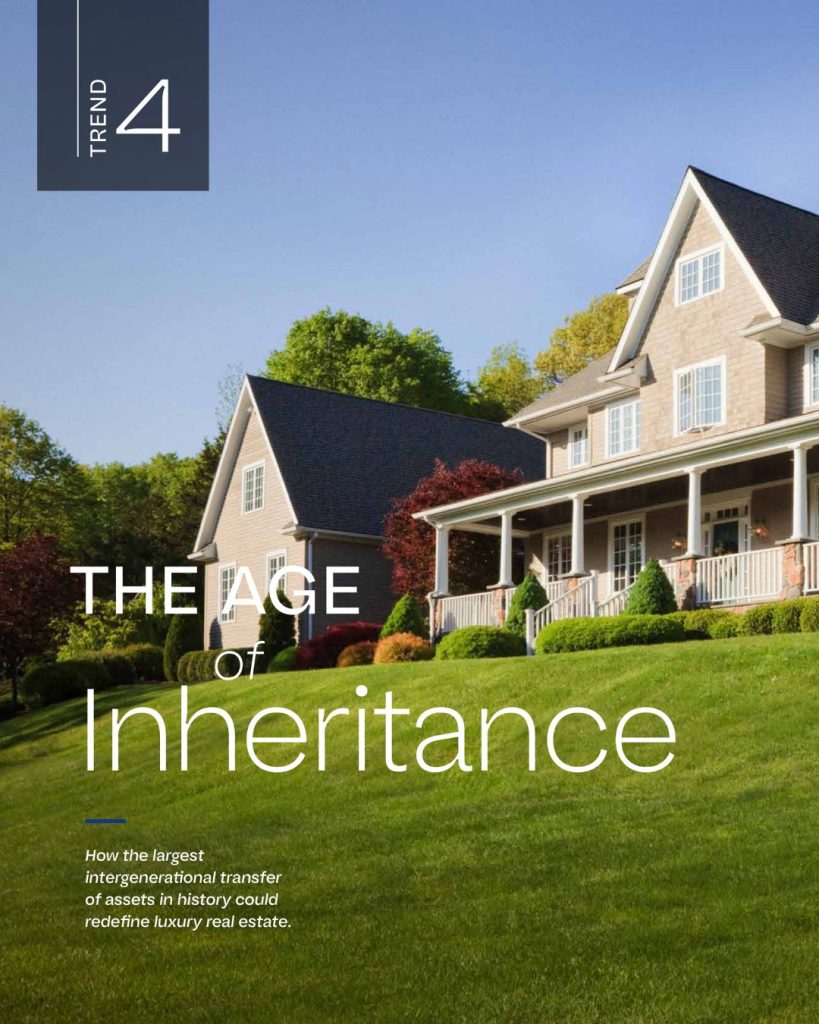
The 2026 Trend Report just launched, and the data shows a significant movement of capital. Gen X and Millennials are projected to inherit $2.4 trillion in U.S. property over the next 10 years. This represents a complete evolution of the luxury playbook.
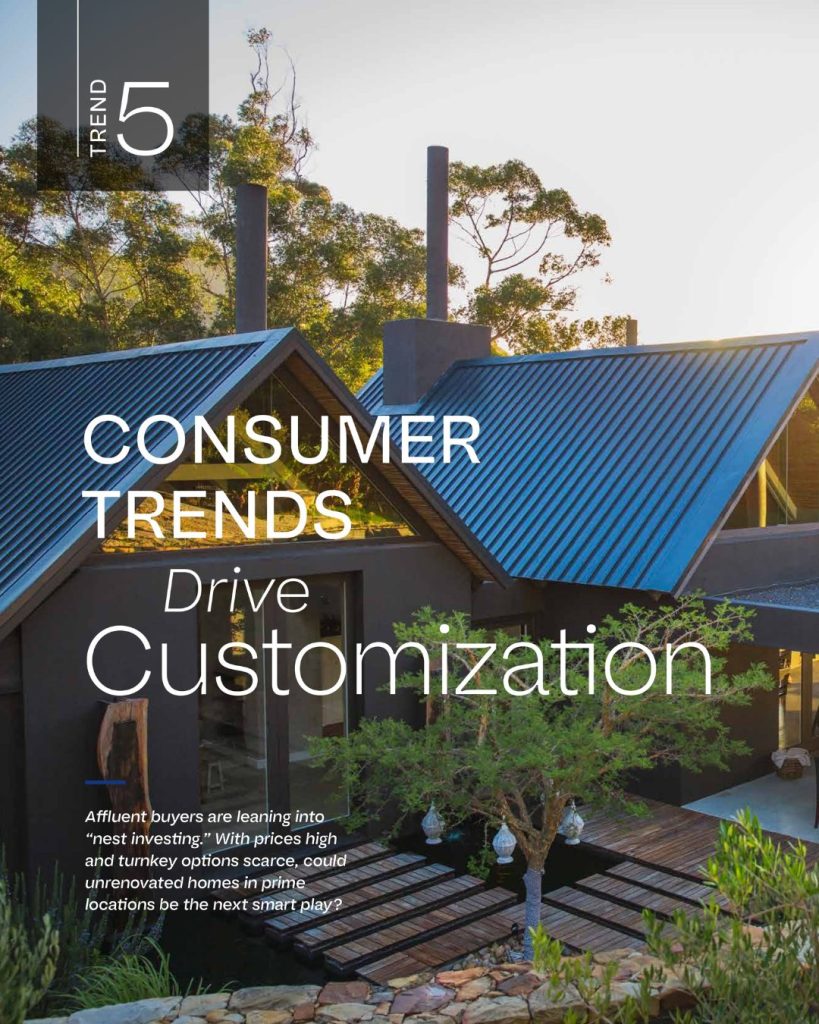
Buyers are moving away from quiet luxury and toward Nest Investing. This means high net worth individuals are prioritizing homes as stable assets that offer more utility than traditional luxury goods. Our report details the emerging global hotspots and the rising demand for modern estates over 4,000 square feet.
Contact me to receive the 2026 Trend Report and key insights shaping the future of luxury real estate!

Caption Suggestion - Feel free to make it your own!
The market may shift, trends may change, but my commitment doesn’t. Strategic guidance, elevated marketing, and a client-first approach — every transaction, every time. The standard has always been high & it stays that way.
If 2026 is your year, I’m here to guide you through it.
How Real Estate Agents Can Prepare for Success in 2026: Marketing Playbook
By Philip Brown, Specialist Field Marketing — Coldwell Banker Realty
The last day of the year is the best day to set the tone for the next one. If you’re a real estate agent, 2026 is shaping up to be a year of measured opportunity: mortgage rates are widely expected to drift closer to ~6%, inventory is gradually improving, and several forecasts point to modest sales growth as affordability pressures ease. Realtor.com projects average mortgage rates around 6.3%, inventory up nearly 9%, and existing‑home sales inching higher from 2025’s lows. Meanwhile, NAR’s Chief Economist Lawrence Yun has publicly forecast a potential 14% rise in home sales in 2026, with prices still climbing—underscoring a cautiously optimistic backdrop for agents who show up prepared. [realtor.com] [nar.realtor], [realestatenews.com]
Below is a practical, SEO‑ready marketing plan you can execute now—grounded in what’s working on search, social, and email—and enhanced by Coldwell Banker’s in‑house programs like Design Concierge, Listing Concierge, and the CB Technology Suite.
1) Start with an Online Presence Audit (and fix the foundation)
Before you ramp content, make sure clients see a coherent, professional brand when they Google you. Search behavior continues to shift toward local intent, and Google’s recent core updates reward helpful, people‑first content and trustworthy brands. Expect volatility during and after core updates; the antidote is fresh, useful, and technically sound pages that demonstrate experience and authority.
Actions to take this week:
-
- Google yourself and check page one: your website, Google Business Profile (GBP), major portals, and social handles should be consistent in name, market areas, and contact info. Local SEO guides point to GBP completeness, category selection (“Real Estate Agent”), NAP consistency, reviews, and weekly posts as primary map‑pack signals.
- Optimize GBP: add neighborhoods/ZIPs, services, a 750‑character description with local keywords, and post weekly market tips or open house updates. Include Q&A and messaging.
Coldwell Banker advantage: If your visual identity or messaging feels dated, Design Concierge can refresh your logo, listing presentation pages, bios, brochures, and social templates with professional designers and copywriters—agents who used the program have been shown to be 3.5x more productive and 2.4x more closed units (results not guaranteed, but indicative of brand lift). See package options (Brand Boost, Disruptor) and a la carte deliverables to ensure every touchpoint looks consistent in 2026.
2) Build hyper‑local content that ranks and converts
Local SEO is about intent: people search “best real estate agent near me,” “homes for sale in [neighborhood],” or “condos in [city].” Agents who produce neighborhood pages, price‑tier lists, and relocation guides tend to win consistent, qualified traffic—and GBP visibility grows when your site and profile reinforce the same hyper‑local themes.
What to publish in January:
- Neighborhood pages: schools, commute, price bands, lifestyle—structure these for skim‑readers and search intent.
- Monthly “Market Minute” posts with a simple price and inventory snapshot, aligned to your GBP posts and social.
- Buyer/Seller guides tuned to 2026’s rate environment: how a 6% rate changes affordability vs. 2024–25, and negotiation tips as inventory normalizes.
3) Make short‑form video a weekly habit (Instagram Reels that teach, not pitch)
Instagram continues to prioritize Reels that hold attention and deliver value. For agents, educational, local, and lifestyle content performs best—think “Top 3 walkable neighborhoods,” “What $750k buys in [city],” and “How to prep for multiple‑offer scenarios this spring.” Real‑world analyses show Reels earning higher reach than static posts; the algorithm rewards quality and watch time over sheer volume.
A cadence you can maintain:
- 1–3 Reels per week with clear hooks, value in 20–45 seconds, and on‑screen text for accessibility. Best practices for agents in 2025 emphasize helpful, authentic content over trend‑chasing.
- Local series: “Homes under $X in [city],” “3 coffee shops within 10 minutes of [neighborhood],” “Why buyers love [ZIP].” These formats reliably drive saves and DMs.
- Repurpose clips to YouTube Shorts and LinkedIn; consistency beats volume, but agents posting 2 Reels/week generally see stronger engagement, especially for listings and community content.
Coldwell Banker advantage: When you secure a listing, Listing Concierge packages deliver photography, single‑property websites, YouTube ads, and geo‑targeted boost campaigns at a company‑subsidized cost—letting you turn one listing into multiple opportunities and freeing time to record value‑driven Reels rather than building every asset from scratch. The latest Innovation packages include 30‑second paid YouTube ads with estimated views and QR‑code assets to bridge print and digital.
4) Lean into reviews and reputation (Google Business Profile + social proof)
Fresh, location‑specific reviews are a primary local trust signal. Prompt every closed client to mention the neighborhood and service type (e.g., “sell fast in [ZIP]”). Maintain weekly responses; living profiles outrank dormant ones.
Template to use today:
“Would you be willing to share a quick Google review about your experience selling in [Neighborhood]? It helps local homeowners find a trustworthy agent when they’re ready.”
5) Plan around the 2026 market backdrop (set expectations in your content)
You’ll earn trust by acknowledging reality and giving clear, practical guidance. Pair your local narratives with national context: rates modestly lower, inventory gradually rising, sales improving but not surging, and pricing stable to up slightly depending on region. Some brokerages project one of the most balanced markets in years—wages outpacing price gains, luxury staying resilient, and regional differences widening. [realtor.com]
Messaging to weave into your posts:
- “If you’ve been waiting for a more balanced market, 2026 is likely the year to make a move.”
- “Slight rate relief can unlock activity; even small drops from 6.7% to ~6% change affordability math.”
- “Expect regional variance—tight supply in some Northeast/Midwest metros, more inventory in parts of the Sun Belt.”
6) Convert one listing into three (systems, not luck)
The repeatable formula: win the listing, market it with a 360‑degree campaign, report results, and ask for the next appointment. Coldwell Banker offers a proven toolkit for this:
- Listing Concierge: photography, single‑property sites, YouTube ads, mailers, digital boosts, client reports—agents who use it are typically more productive and capture higher sales prices than those who don’t.
- Design Concierge: brand assets that elevate your presentations and social presence—logos, brochures, email signatures, profiles—so every touchpoint looks consistent.
7) A 30‑day action plan (January)
Week 1: Foundation
- GBP audit and updates; add service areas, description, Q&A, and three fresh photos.
- Book a Design Concierge consult; refresh logo, listing presentation pages, and social templates.
Week 2: Content
- Publish two neighborhood pages and a January Market Minute blog.
- Record two Reels: “Homes under $X in [City]” and “3 quick prep steps for spring sellers.”
Week 3: Email + Reviews
- Launch segmented welcome/nurture sequences in your CRM/ESP, authenticated and cleaned.
- Send five personalized review requests, coaching clients to mention neighborhood and service.
Week 4: Listings
-
- On your next listing, order Listing Concierge; deploy the full package and share the client report in your follow‑ups.
9) FAQ: Common questions agents ask entering 2026
“Will Google’s algorithm updates hurt my local rankings?”
Core updates in 2025 emphasized helpful content and strong user experience; local businesses that keep sites fast, mobile‑friendly, and genuinely useful generally recover or grow. Avoid thin pages and stale content; keep GBP active.
“Is Instagram still worth it if I don’t post daily?”
Yes. 2025 guidance shows quality > volume. Agents delivering 1–3 thoughtful Reels/week see continued reach and inquiries—especially hyper‑local and educational formats.
“What’s the quickest way to modernize my brand?”
Use Design Concierge to tighten visual identity and copy across your assets; then align your GBP, website, email signatures, and social templates so clients see one cohesive brand everywhere.
You don’t need to out‑spend competitors in 2026—you need to out‑organize and out‑educate them. Fix your foundation, publish useful local content, show up in short video with real expertise, and nurture with email. Then let Coldwell Banker’s programs multiply your effort.
